How to Use Diff Tools to Compare Code and Text
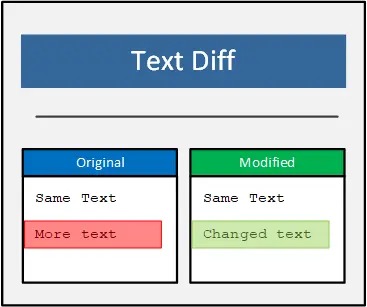
What Is a Diff?
A diff (short for difference) is a representation of changes between two versions of text or code. Diff tools power Git commit views, pull request reviews, code merge tools, and deployment audits.
Reading Unified Diff Format
--- a/src/utils.js
+++ b/src/utils.js
@@ -12,7 +12,8 @@
 function formatDate(date) {
-  return date.toISOString();
+  const d = new Date(date);
+  return d.toISOString().split('T')[0];
 }
- Lines with
-were removed - Lines with
+were added - Lines with no prefix are context (unchanged)
@@ -12,7 +12,8 @@shows line ranges in old and new file
Essential Git Diff Commands
# Show unstaged changes
git diff

# Show staged changes
git diff --staged

# Compare two branches
git diff main..feature/my-branch

# Compare a single file across branches
git diff main..dev -- src/api.ts

# Show only changed file names
git diff --name-only main..HEAD

# Word-level diff (great for prose)
git diff --word-diff
Use Cases for Diff Tools
Code Reviews
Diff views in GitHub, GitLab, and Bitbucket let reviewers see exactly what changed with inline commenting.
Comparing Config Files
When deploying to a new environment, diffing config.prod.json against config.staging.json catches missing or incorrect keys.
API Response Diffing
When refactoring a backend endpoint, comparing JSON responses before and after reveals unintended regressions.
Diffing JSON Specifically
Raw JSON diffs are noisy due to key ordering and whitespace. Before diffing JSON:
# Normalize and sort keys first
jq --sort-keys . file.json > normalized.json
Tips for Cleaner Diffs
- Commit formatting changes separately from logic changes
- Split large PRs — a 2,000-line diff is rarely reviewed carefully
- Use
-wto ignore whitespace-only changes - Use
.gitattributesfor language-aware diffing
Compare Text and Code Online
Use the free Diff Checker on konvertio.app — paste two versions side by side and see additions, deletions, and unchanged lines highlighted instantly. No login required.