April 2, 2026 2 min readUpdated Apr 9, 2026
Markdown Syntax Guide: The Complete Cheat Sheet
markdowncheat-sheetdocumentationgithubwriting
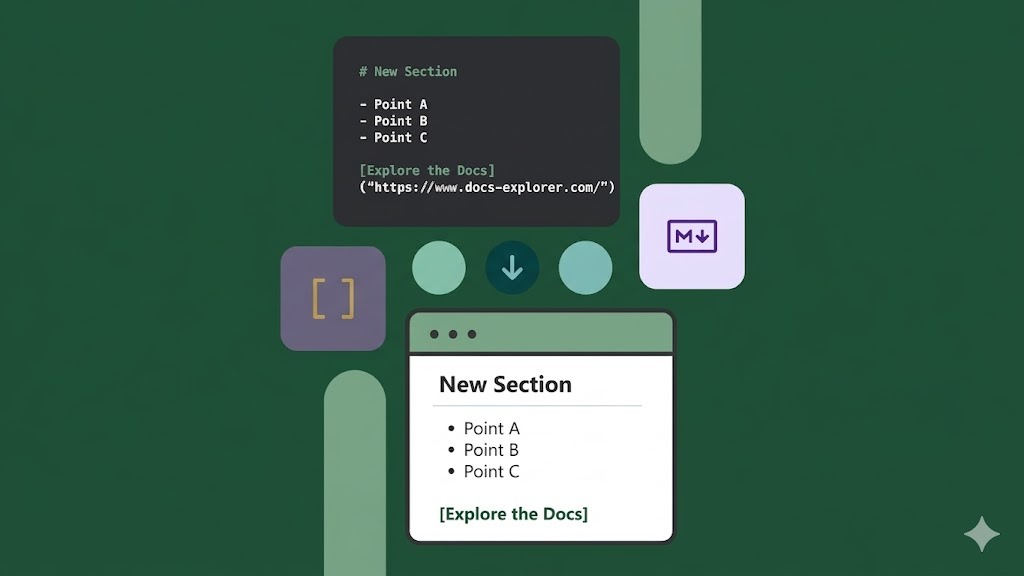
What Is Markdown?
Markdown is a lightweight markup language created by John Gruber in 2004. It uses plain text formatting conventions that convert to HTML — the go-to format for README files, documentation, blog posts, and wikis.
Headings
# H1 — Page Title
## H2 — Section
### H3 — Subsection
#### H4
Emphasis
*italic* or _italic_
**bold** or __bold__
***bold and italic***
~~strikethrough~~
Lists
Unordered:
- Item one
- Item two
  - Nested item
Ordered:
1. First
2. Second
3. Third
Task List (GitHub Flavored Markdown):
- [x] Completed task
- [ ] Incomplete task
Links and Images
[Link text](https://example.com)
[Link with title](https://example.com "Tooltip")

<!-- Reference-style links -->
[Visit Google][google]
[google]: https://google.com
Code
Inline: Use `console.log()` to debug.
Fenced code blocks:
```javascript
const greet = (name) => `Hello, ${name}!`;
```
Blockquotes
> This is a blockquote.
> It can span multiple lines.
>> Nested quote
Tables (GFM)
| Name    | Age | City     |
|---------|-----|----------|
| Alice   | 30  | New York |
| Bob     | 25  | London   |
Alignment:
| Left | Center | Right |
|:-----|:------:|------:|
HTML in Markdown
Most parsers support inline HTML:
<details>
  <summary>Click to expand</summary>
  Hidden content here.
</details>
Extended GitHub Flavored Markdown
- Autolinks: bare URLs are auto-linked
- Mentions:
@usernamecreates a user mention - Issue references:
#123links to an issue - Footnotes:
[^1]and[^1]: footnote text
Preview and Convert Markdown Instantly
Use the free Markdown Previewer on konvertio.app — type or paste Markdown and see the rendered HTML preview in real time. Supports GFM tables, task lists, and syntax highlighting.